
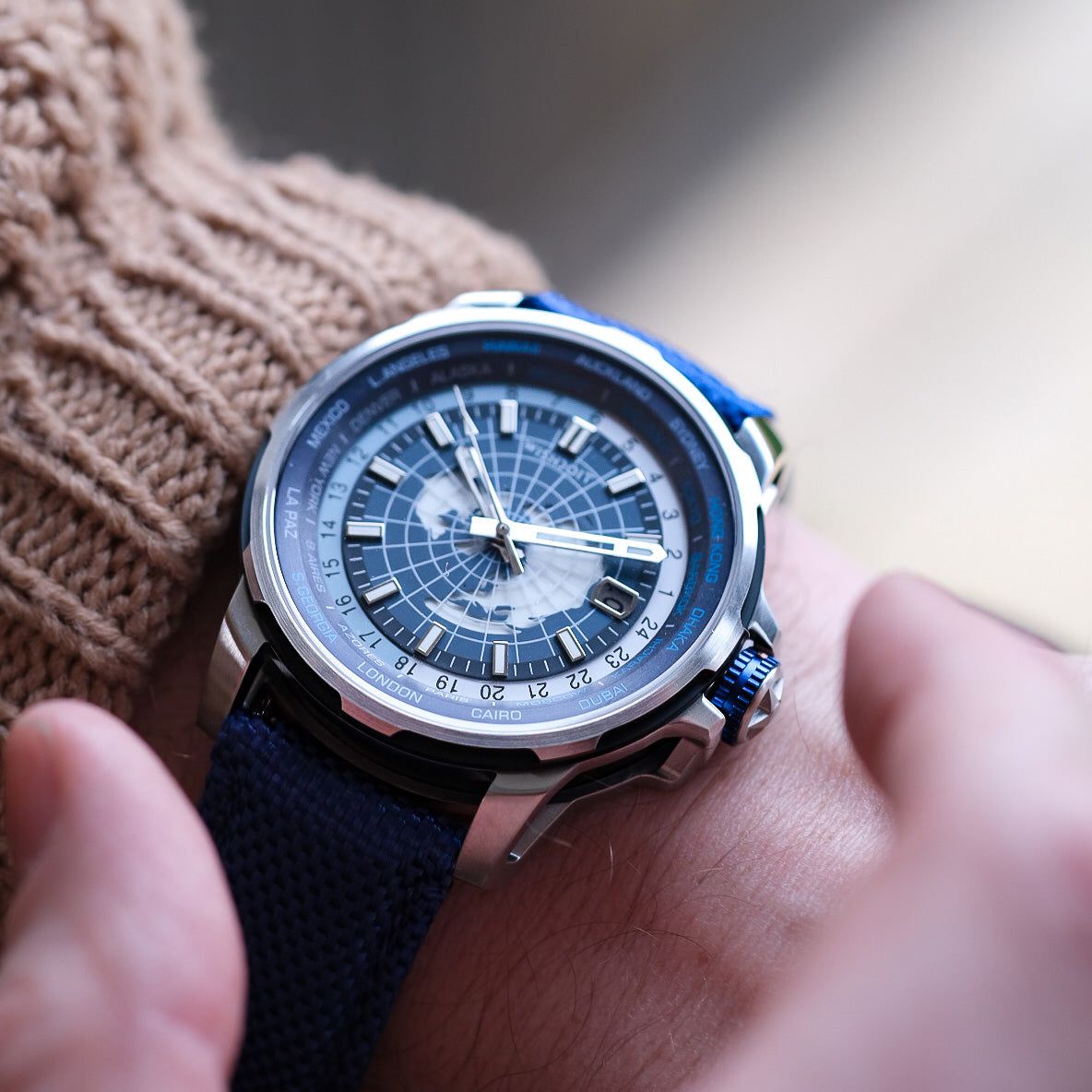


Have you noticed your WISHDOIT watch starting to run slow or its display fading? It might be time for a battery change. While taking it to a jeweler is always an option, replacing the battery yourself is a straightforward, satisfying, and cost-effective DIY project.
Inspired by the helpful WISHDOIT watch battery change video, we've created this detailed step-by-step guide to walk you through the process safely and successfully.
Why Change the Battery Yourself?
-
Save Money: A single battery is far cheaper than a professional service fee.
-
Convenience: Do it on your own time without a trip to the store.
-
Empowerment: Gain a new skill and a deeper understanding of your timepiece.
Tools You'll Need:
Before you begin, gather the right tools. Using proper equipment is crucial to avoid damaging your watch.
-
Replacement Battery: This is the most important part! Check your watch's manual for the specific battery model number (e.g., CR2025, SR626SW). You can also open the case back carefully and note the number on the old battery.
-
Precision Screwdriver Set: For removing any small screws on the case back.
-
Case Back Opener: A specialized tool like a Jaxa-style wrench (as seen in the video) is ideal for screw-down case backs. For snap-off backs, a case knife or a thin, flat prying tool works best.
-
Tweezers: For handling the tiny battery and avoiding skin contact (oils can reduce battery life).
-
Soft Cloth or Watch Holder: To protect the watch face from scratches while you work.
-
Magnifying Glass or Loupe: (Optional but helpful) For seeing small components clearly.
-
Plastic Tweezers or Toothpick: (Optional) For pressing the battery into place without causing a short circuit.

Step-by-Step Battery Replacement Process
⚠️ Safety First: Work on a clean, well-lit, and uncluttered surface. Avoid carpets where small screws can easily get lost.
Step 1: Open the Case Back
Place your watch face-down on the soft cloth. Identify the type of case back your WISHDOIT watch has:
-
Screw-Down Back: Use your Jaxa-style opener, adjusting the pins to fit the notches on the back. Apply firm, downward pressure and turn counter-clockwise to unscrew it.
-
Snap-Off Back: Insert your case knife or prying tool into the small groove. Gently twist to pry the back open. Work your way around the edges until it pops off.
Step 2: Remove the Old Battery
Once the case back is off, you'll see the movement and the battery. The battery is usually held in place by a small metal clip.
-
Use your precision screwdriver to gently lift the clip securing the battery.
-
Carefully use your tweezers to lift the old battery out. Note its orientation (positive (+) side up).
Step 3: Insert the New Battery
-
Using your tweezers, place the new battery into the compartment with the positive (+) side facing the same direction as the old one.
-
Gently press down on the battery with a plastic tool or toothpick until it snaps securely under the metal clip. Ensure it is seated flat and properly.
Step 4: Reassemble Your Watch
-
Carefully align the case back with the watch body.
-
For a snap-back, simply press firmly around the edges with the palm of your hand or a soft press until you hear a click.
-
For a screw-down back, place it on and turn it clockwise with the Jaxa tool until it is snug. Do not over-tighten.
Step 5: Check and Reset
Turn the watch over and check the display. It should now be functioning correctly. You may need to reset the time and date.

Final Tips & Warnings
-
Avoid Magnetism: Keep the new battery and the watch's movement away from magnetic sources.
-
Keep it Clean: Ensure no dust, fingerprints, or moisture enter the case.
-
Know Your Limits: If you encounter unusual complications, rust, or if the case back refuses to budge, it’s best to stop and consult a professional watchmaker to prevent irreversible damage.
Changing your WISHDOIT watch battery is a simple task that can extend the life of your favorite timepiece for years to come. By following these steps and the visual guidance from the official video, you can confidently perform this maintenance yourself.
Have you successfully changed your watch battery? Share your experience in the comments below!
You'll also like
Understanding Mechanical Watch Accuracy: What's Acceptable?