
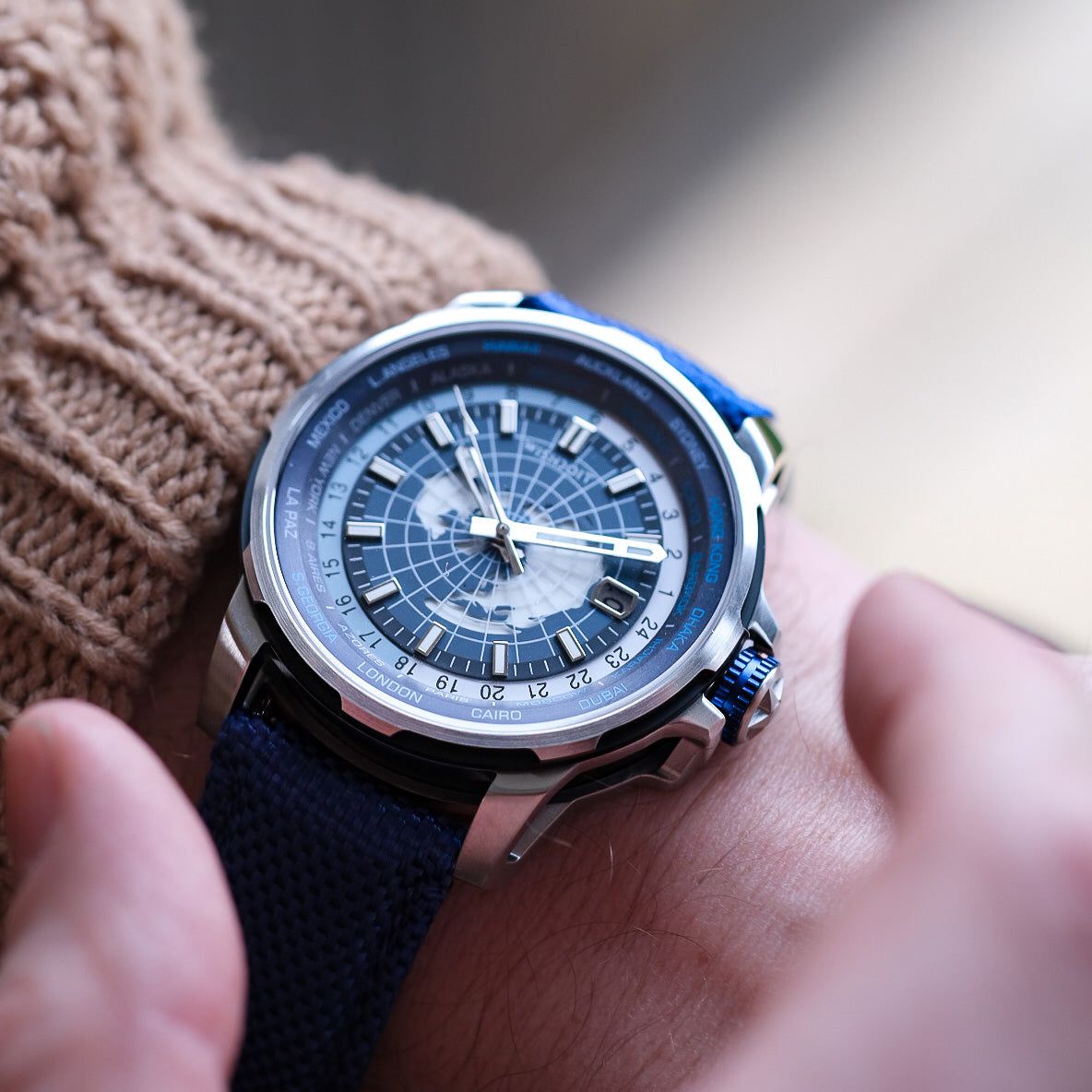


Is the 1/10-second subdial on your RACING GT 2.0 chronograph watch misaligned? No need to worry—it’s a quick and easy fix! Just follow the steps below to recalibrate it to the 12 o’clock position.
🔍 Check Your 1/10-Second Subdial
Before starting, check whether the subdial is off its zero position. If it is not pointing to 12 o'clock, continue with the steps below.

🔧 Step 1: Reset the 1/10 Subdial
Gently pull the crown out and press the upper side button (A) of the watch, one at a time, to gradually move the 1/10 second subdial back to 12 o'clock (zero).
💡 Tip: For faster movement, press and hold button A for a longer period. For finer control, press it briefly, one at a time.
📹 Watch the video below for a visual guide:
https://youtube.com/shorts/Z2p5Slz9sBg?si=VSNZE87YAw8_DdBa
⏰ Step 2: Set the Time
-
Adjust the time by turning the crown.
⚠️ Caution: Avoid pressing Button A while setting the time, as this may accidentally shift the 1/10 subdial again.
✅ Step 3: Complete the Process
-
Once the time is correctly set, push the crown fully back in.
⏱️ How to Use the Chronograph
-
Press Button A to start the stopwatch.
-
Press Button A again to pause.
-
Press Button B to reset all chronograph hands.

Your RACING GT 2.0 chronograph is now perfectly aligned and ready for action! Enjoy precise timekeeping 🏁⌚
If you have any further questions, please contact our customer service team for assistance!
You'll also like
How to Accurately Set Your Mechanical Watch Time
Watch Time Adjustment Taboo: Why You Should Never Change the Date Between 9 PM and 3 AM
Aerial Prism – A Skeleton Watch That Redefines Affordable Tonneau Design